234-1170 — buy box (244-4381), reviews (244-5547), accessories carousel (244-4406), and Frequently Bought Together (244-4436), with real values pulled from the live frame (not eyeballed). All carousel cards + the category, brand, and industry-recommendation cards use one shared product-card style = Figma 244-4261 (the category PLP card): white card, padded image well, ink title, Montserrat Item#, navy price, full-width navy "ADD TO CART" pill — so they're provably identical. The Industry/CMS page inherits the PLP header styles and the Contact Us → Recommended Products spacing is decreased. Home tab: the mislabeled "Epoxo" is corrected to "Eppco", a real Kent vendor, wired to its live listing. Real data only — every WebView shows the real live Kent page.
Pages in this preview: · Product page (PDP) — Figma 1:1 · Category landing · Brand category · Industry / CMS page · Home tab (Eppco fix)
1 · Product page (PDP) — styled WebView, matched to Figma FIGMA 1:1
Item #1677895 (Lion Grip Nitrile Gloves, vendor Eppco). Every section restyled to Figma 234-1170: the buy box (244-4381), reviews (244-5547), accessories carousel (244-4406), and Frequently Bought Together (244-4436). Carousel cards use the same product-card styling as the category PLP (244-4261). Real iOS sim (iPhone 17 Pro), full page top → bottom, scroll-stitched.
Per-section: Figma design (left) vs rendered app (right)
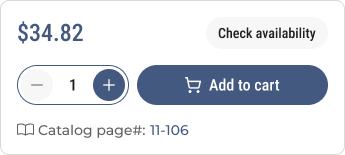
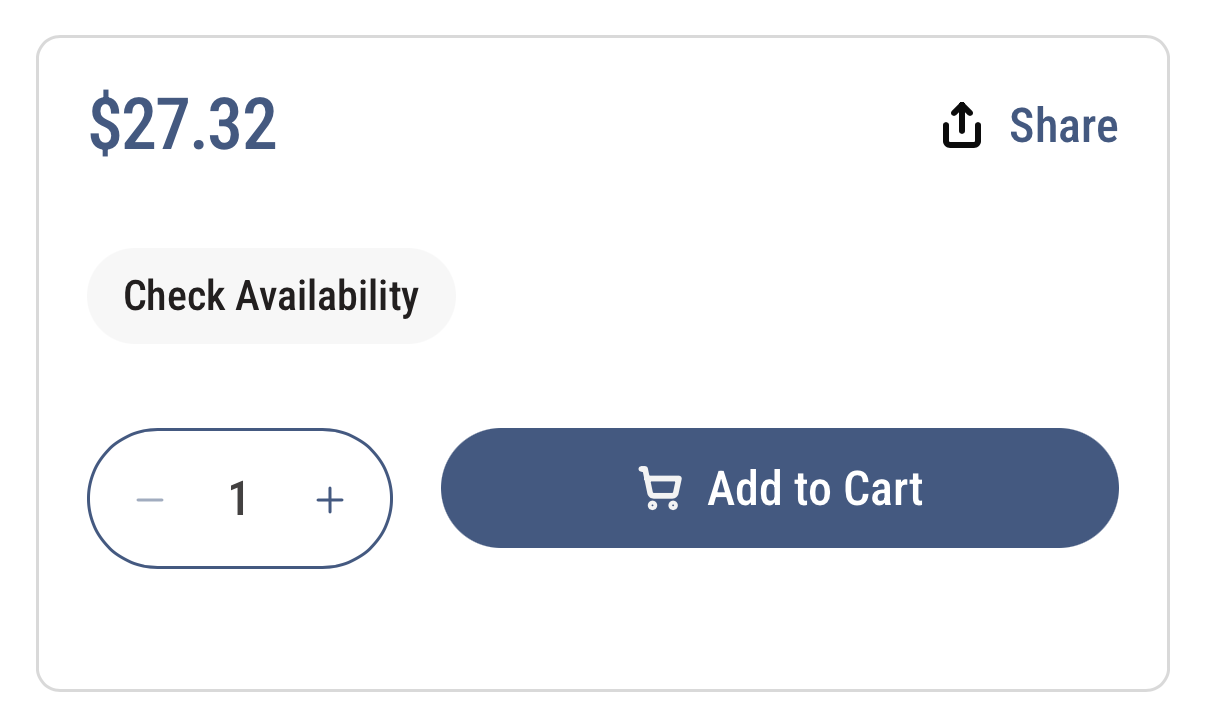
Price 24px navy · "Check availability" light pill chip · qty stepper navy-outline pill · Add to Cart navy fill pill (white, cart icon), all per Figma.
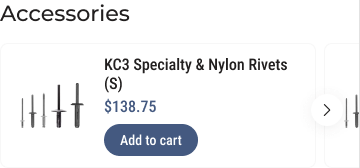
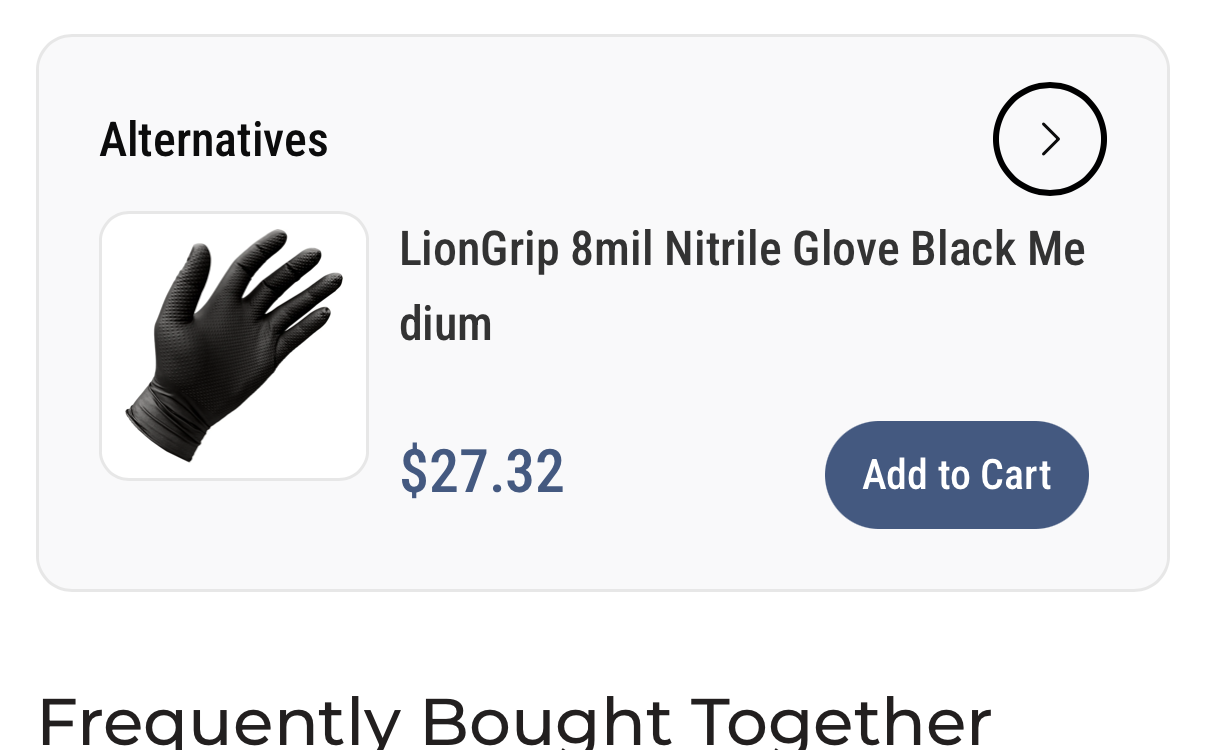
Cards = the PLP product card (244-4261): white, 8px radius, hairline border, padded image well, navy title/price, navy "Add to cart" pill, navy carousel arrow.
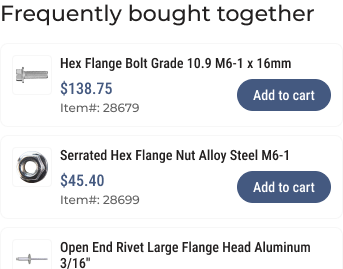
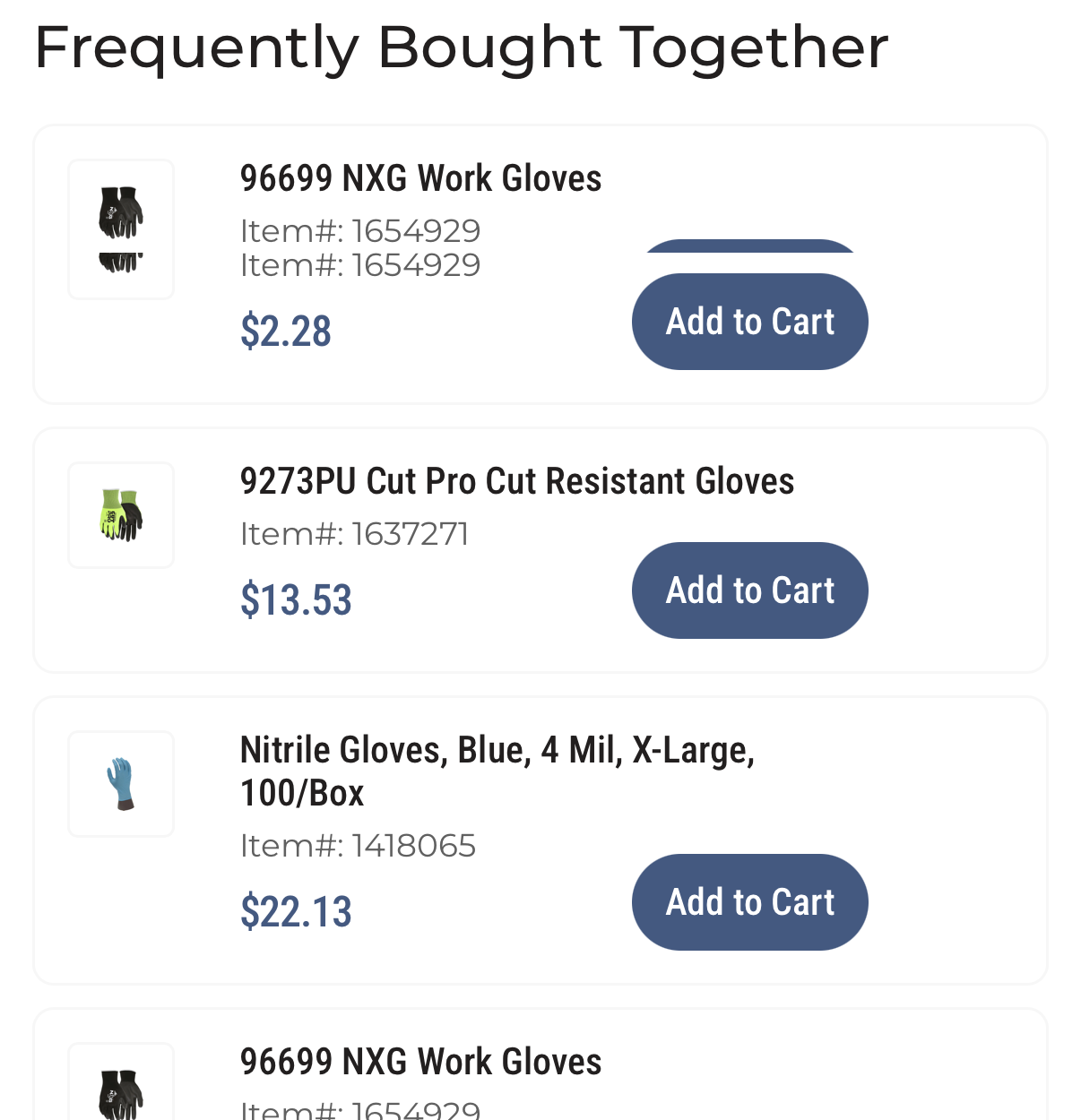
Stacked rows: 40px image well (4px radius, hairline border), title Roboto Condensed Medium 14, price navy 16 + Item# Montserrat Medium 12 medium, navy 32px "Add to cart" pill.
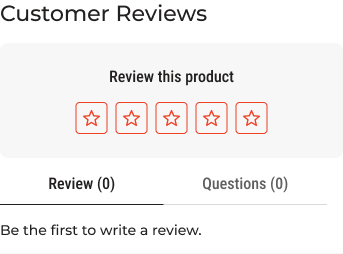
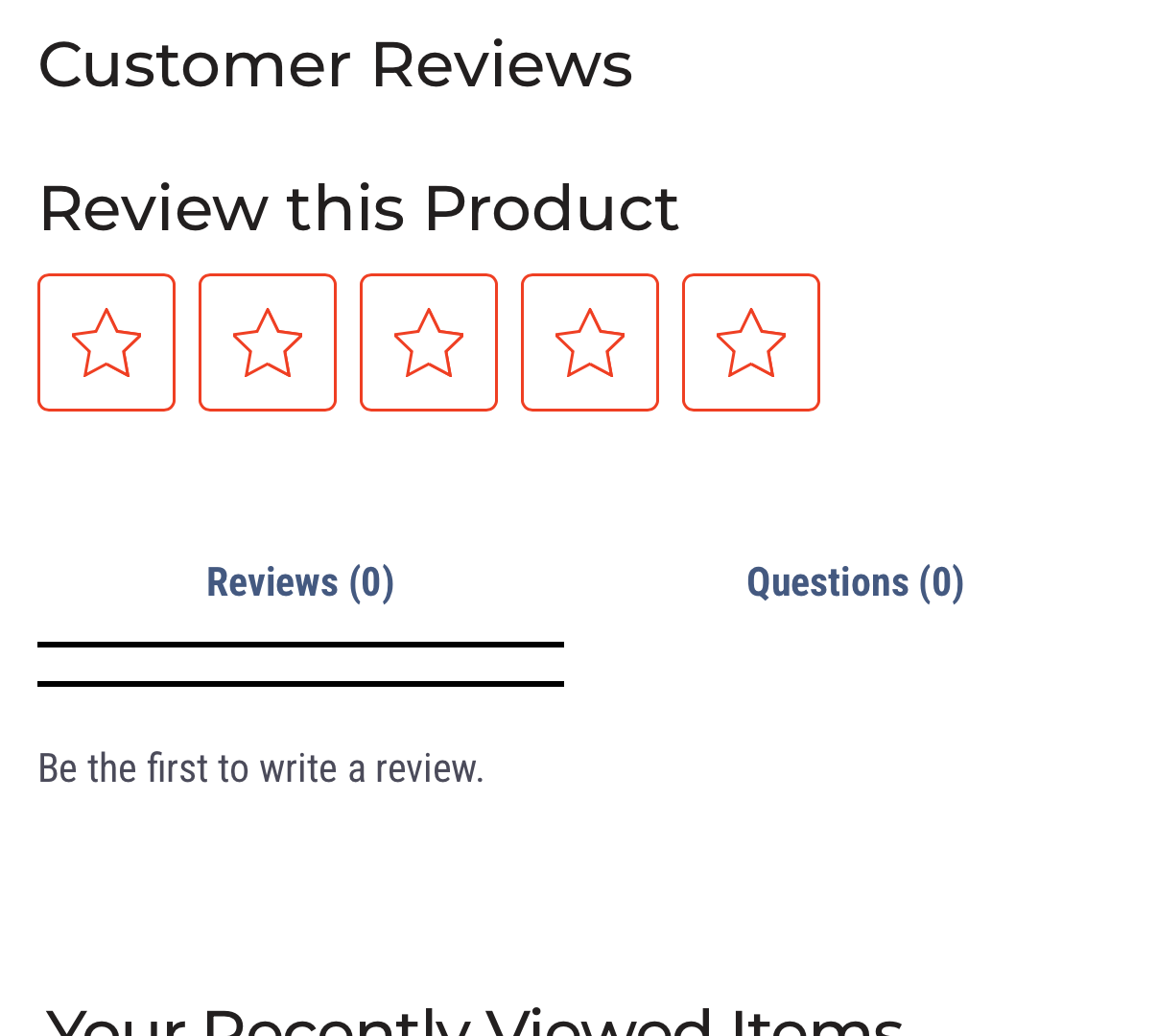
Montserrat 22 heading · orange #EE4023 star-outline boxes · "Reviews (0)" active tab underline / "Questions (0)" · "Be the first to write a review." (SiteVibes renders the widget's own inner markup; we style its faces, colors, and the star accent.)
Full PDP — top → bottom

2 · Category landing — styled WebView PLP CARDS
Batteries category (/collections/batteries-we10) — the source-of-truth PLP. Product cards match Figma 244-4261 exactly: white card, padded image well, ink title, Montserrat Item#, navy price, full-width navy "ADD TO CART" pill. The PDP carousels, brand listing, and industry recs all reuse this same card. Full page top → bottom, iPhone 17 Pro.

3 · Brand category — styled WebView PLP CARDS
The Eppco Featured Brand pill (the corrected "Epoxo") opens the brand's live vendor-facet listing — the exact URL the live site's Featured Brands strip links to — with the same PLP product cards (ink title, Montserrat Item#, navy price, full-width navy "ADD TO CART" pill). Full page top → bottom.

4 · Industry / CMS page — styled WebView SPACING + PLP CARDS
Collision Repair Centers (/pages/collision-repair-centers). Inherits the PLP header/button styles (navy "Shop Now" fill pill + "Contact Us" navy outline pill); the spacing between the Contact Us button and the Recommended Products carousel is decreased (Clare item 3); the recommended-product cards are styled off the PLP card (244-4261) — white cards, image wells, ink titles, navy arrow. Full page top → bottom.

5 · Home tab — Epoxo → Eppco FIXED
The Featured Brands strip said "Epoxo" — that's wrong. Corrected to "Eppco", a REAL Kent vendor (Shopify vendor field == "Eppco", verified on the live product JSON). The Eppco pill now opens the styled WebView of its real vendor-facet listing. Full Home tab top → bottom.
